Newsletter
Join the Community
Subscribe to our newsletter for the latest news and updates
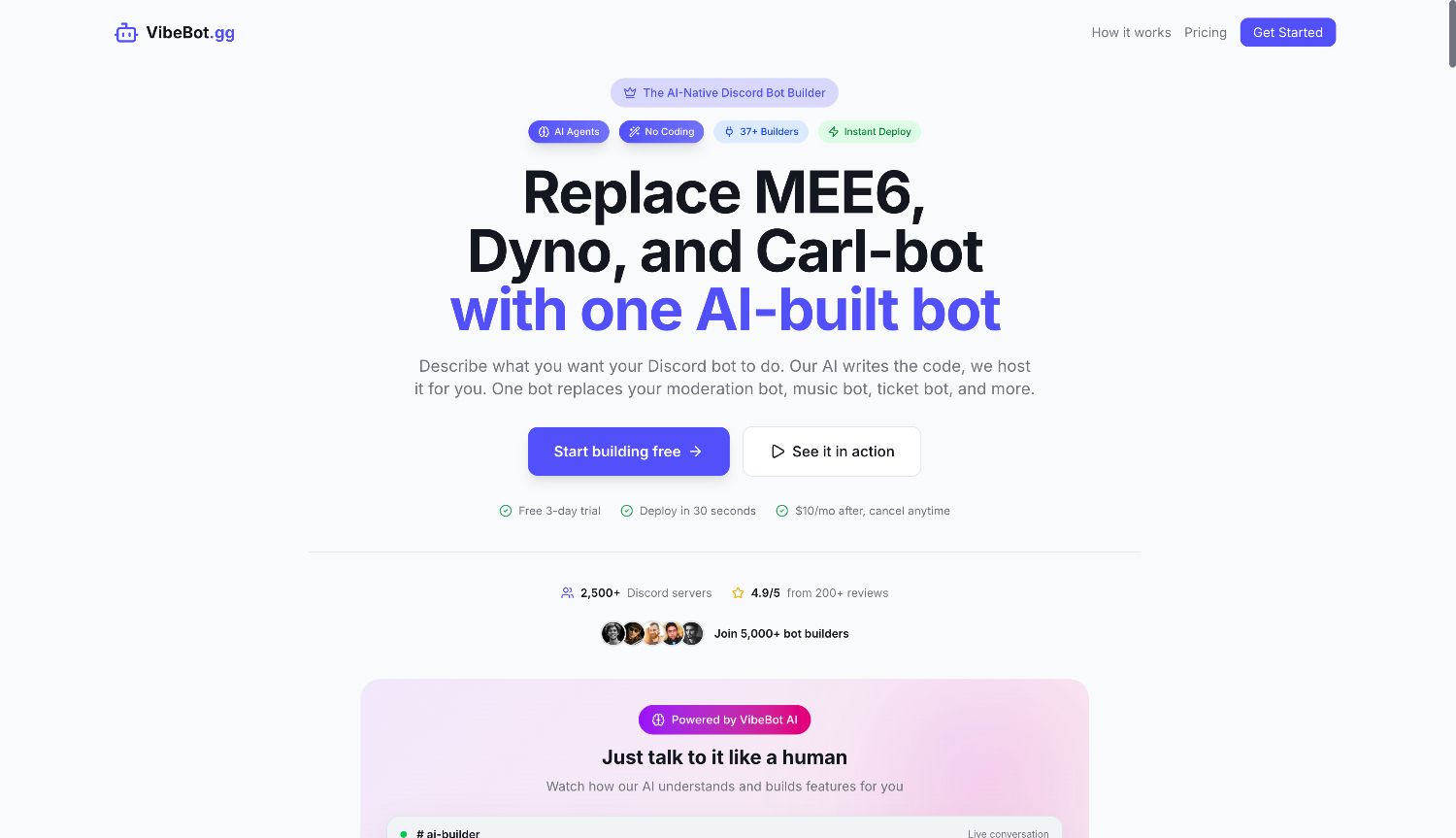
Build Powerful Discord Bots with AI, not code.
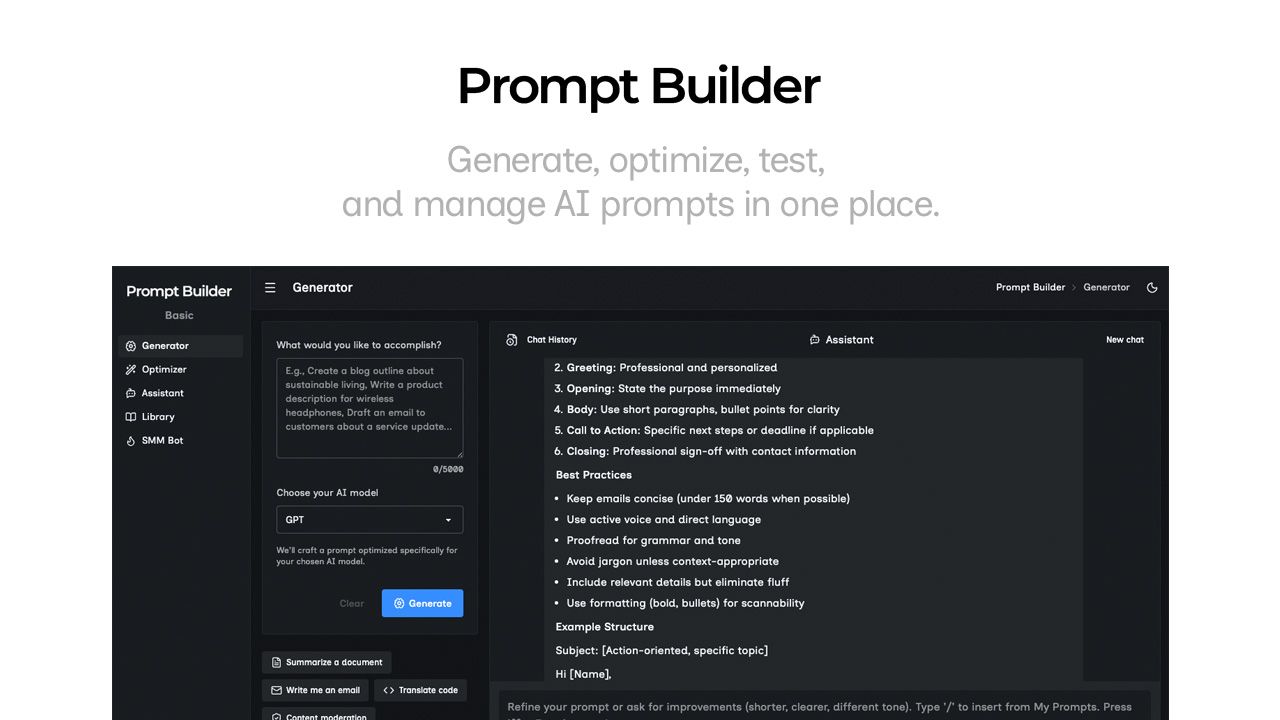
Generate, optimize, test, and manage AI prompts in one place. Turn an idea into a ready-to-use prompt in seconds.
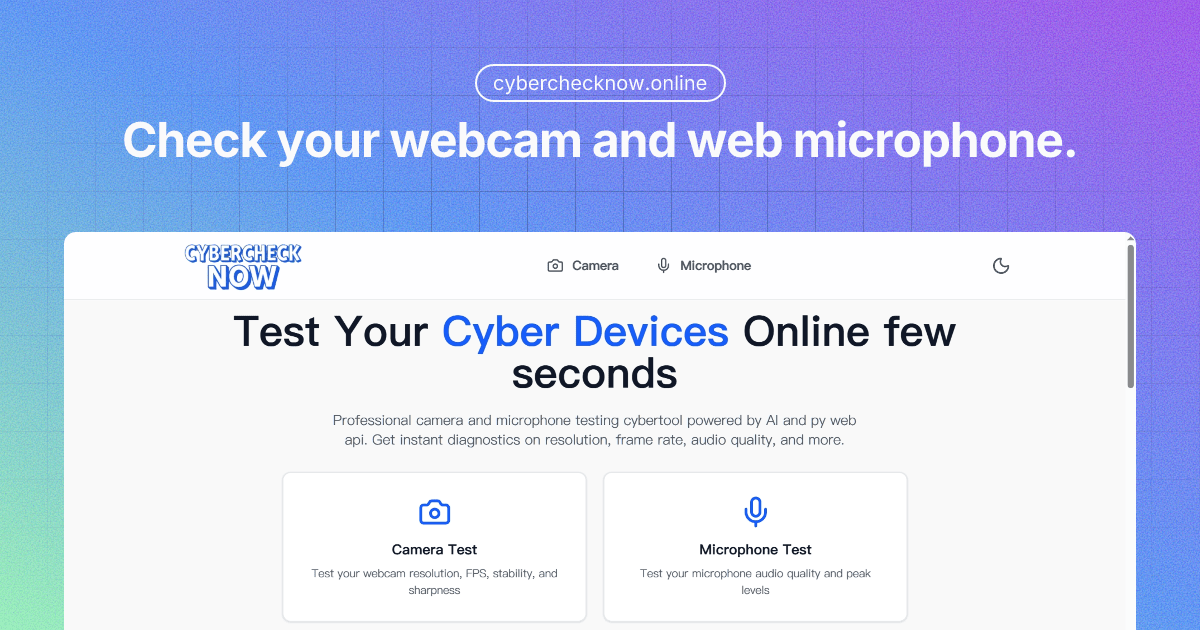
Quickly check your webcam and microphone directly in your browser.
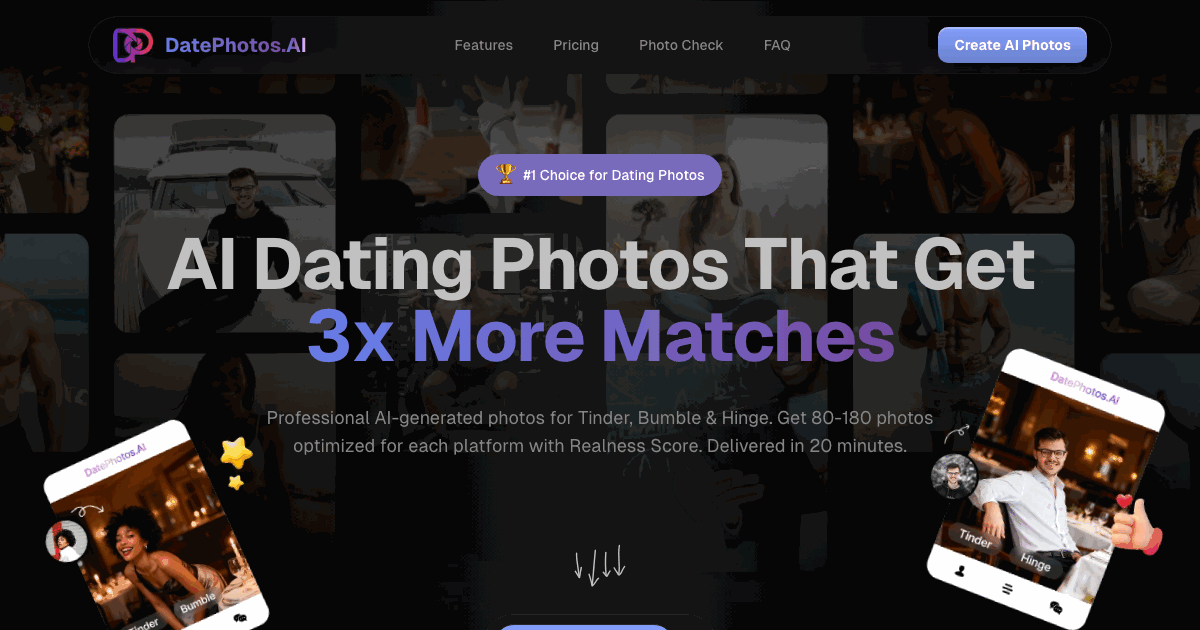
From beach adventures to coffee shop vibes. DatePhotos.AI generates 80-180 dating photos across 40+ carefully curated lifestyle scenes. AI transforms 5-20 selfies into complete dating profile content.
VibeBot is an AI-powered Discord bot builder that helps users create, customize, and launch their own Discord bots without needing to write code. Instead of starting from scratch or hiring a developer, users can describe the bot they want in plain language, choose features, adjust settings, and deploy a branded bot directly to their Discord server.
The platform is designed for community owners, creators, gamers, streamers, and teams that want more control over their Discord experience. It can be used to build bots for moderation, welcome messages, custom commands, role management, support tickets, leveling systems, music, engagement tools, analytics, and AI-powered interactions.
What makes VibeBot useful is that it combines AI generation, no-code customization, hosting, and deployment into one platform. Users can create a bot that feels unique to their community, rather than relying on multiple generic bots with limited branding or scattered functionality.
Key Features VibeBot AI: AI Discord Bot Builder: Create a custom Discord bot by describing what you want in simple language, without needing to code. No-Code Customization: Adjust commands, responses, workflows, roles, permissions, and server behavior through an easy-to-use interface. Custom Branding: Build a bot that uses your own name, identity, personality, and server-specific style instead of relying on a generic public bot. Moderation Tools: Add features for managing spam, rule enforcement, user behavior, warnings, bans, and automated server protection. Community Engagement: Create welcome messages, leveling systems, reaction roles, polls, announcements, and interactive features to keep members active. Support and Ticketing: Set up ticket systems or support workflows so members can ask questions, report issues, or get help inside Discord. AI-Powered Interactions: Add smart responses, chat features, automated suggestions, and conversational tools that make the bot feel more useful and personalized. Hosting and Deployment: Launch and run the bot without managing servers, infrastructure, or complicated technical setup.